
Guide
How to run a baby pool
The idea fits in one sentence: everyone guesses the name, the weight or the date, and the closest guess wins. Run well, a baby pool keeps the whole pregnancy buzzing. Here's how to start it, keep it going and wrap it up, on paper or with My Baby League.
Updated September 30, 2026
1. Start at the right moment
The best time is the announcement, usually after the first-trimester scan. The pool then runs for months, and every bit of news feeds the guesses.
Set an end date too: close the guesses a month before the due date. That way, a baby in a hurry won't arrive before everyone has played. In the app, voting closes automatically a month before the due date, unless you'd rather close it yourself.
Running late? The baby shower is still a great moment: everyone's in the room, and there are a few weeks of suspense left.
2. Choose who plays
The more the merrier… but not necessarily in the same game. Family, friends and coworkers don't share the same sense of humour, or the same group chat: Grandma doesn't need to read your friends' jokes about the name.
The simplest fix: one pool per circle. On paper, one sheet per group; in the app, one league each, with its own leaderboard and its own conversation.
In the app, the free plan covers 3 players in one league. The Family plan goes up to 10 players and 2 leagues, and the Multi plan has no player limit and 3 leagues. Guests never pay a thing.
3. Pick the questions
Between 8 and 15 questions is the sweet spot: enough to have fun, not so many that people give up halfway. Keep the six classics (name, sex, weight, length, day, time), then add a few just for laughs.
For inspiration: 26 baby pool ideas, with a scoring guide.
Adapt them to your situation. If the parents already know the sex, they can drop the question, or keep it and reveal the answer on scan day.
4. Keep the guesses secret
This is the golden rule. If answers get around, latecomers copy the early birds, and the suspense is gone.
On paper, everyone fills in their card, folds it and drops it in a box or a sealed envelope, kept by someone neutral until the big day.
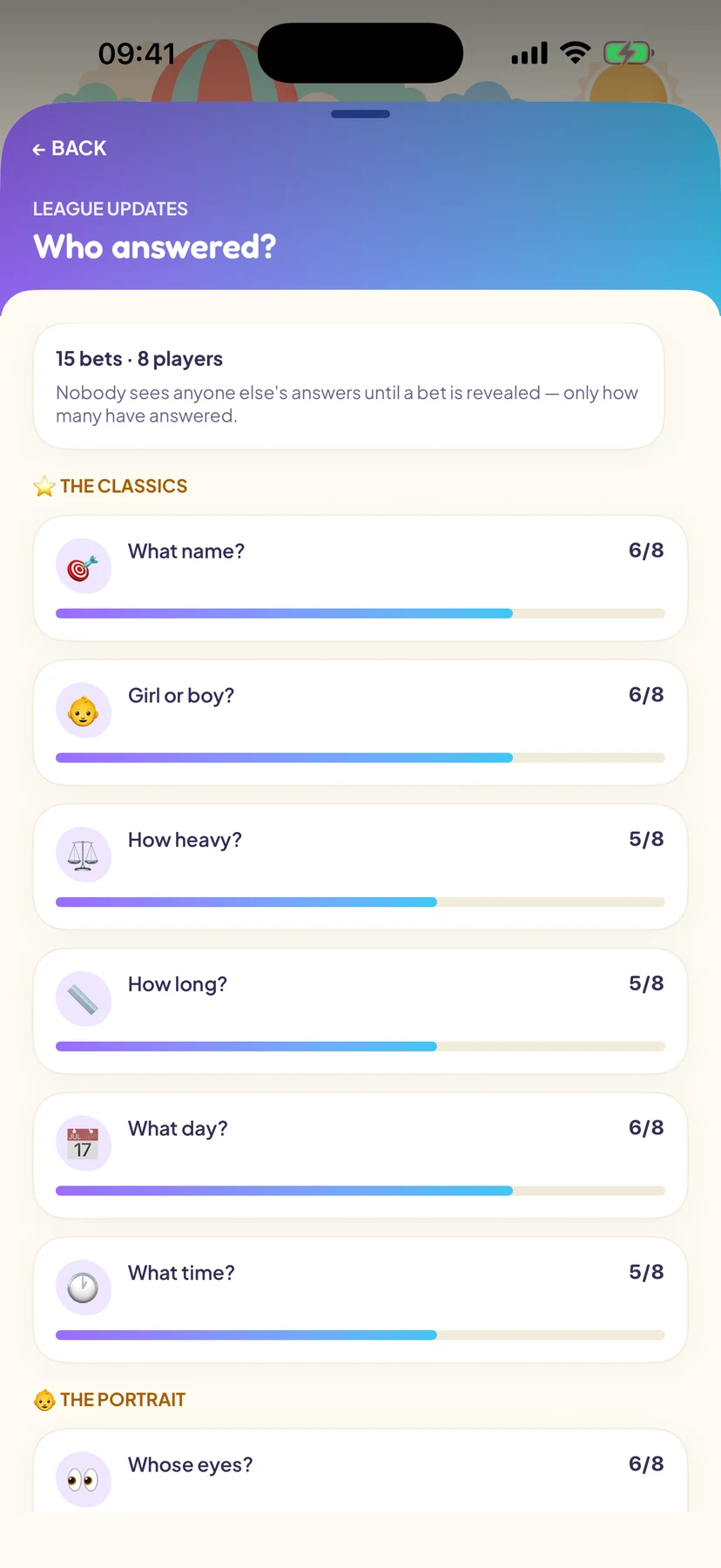
In the app, it's automatic: you can see who has answered, never what they answered, even as the organiser. And everyone can change their predictions until voting closes.
5. Keep it going for nine months
A pool that's started and then forgotten is a missed chance: the best part happens between the announcement and the birth.
- Share the news: the scans, the growing bump, the nursery taking shape.
- Reveal some answers along the way, the sex on scan day for instance. The first points land, and the leaderboard starts moving.
- Nudge the latecomers before voting closes: there's always one.
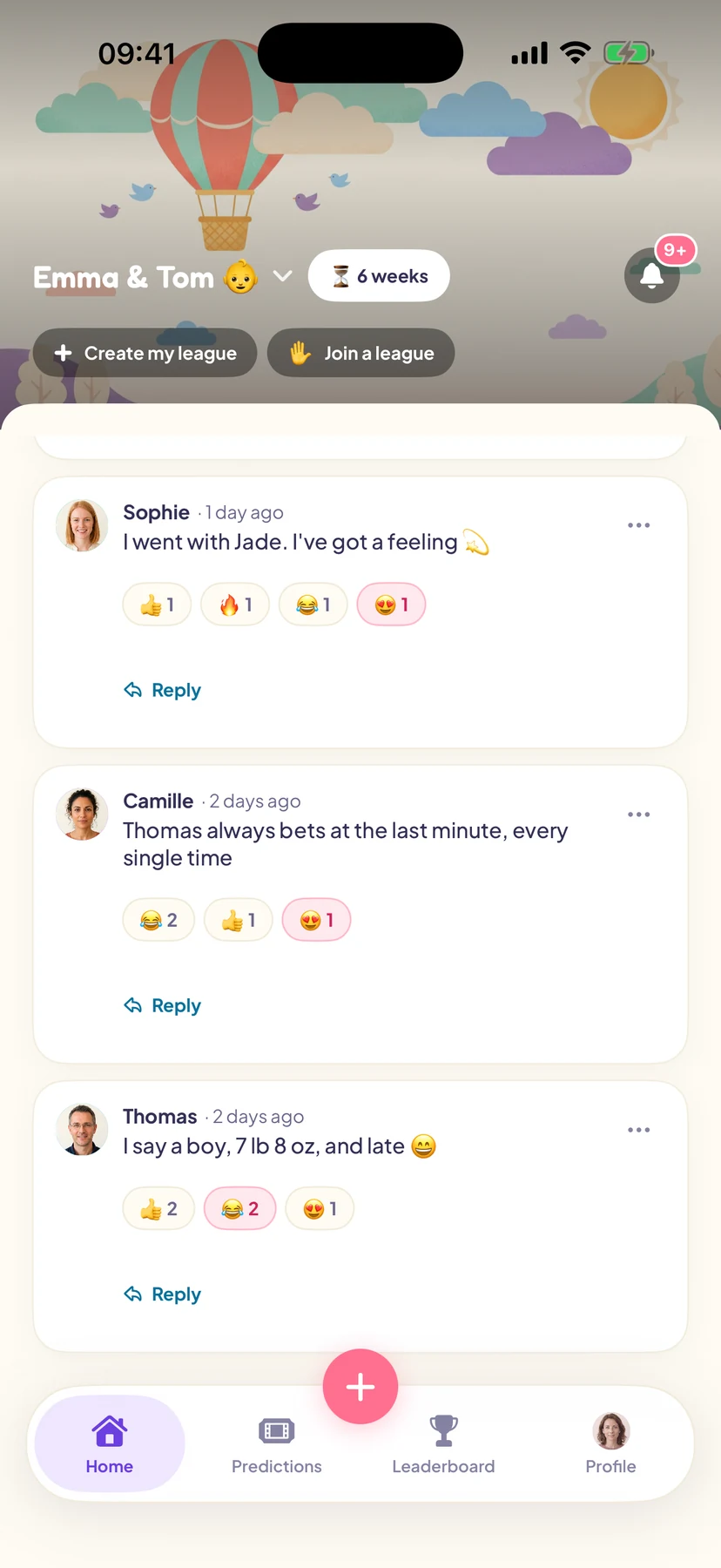
In the app, all of this happens in the Coop, the league's private conversation: photos, messages and reactions.
6. Reveal the results
The baby is here and the parents have shared the news: time for the reveal. Note the weight, length, time and name, then add up everyone's points with the scoring guide. If there's a tie, nothing stops you from crowning joint winners.
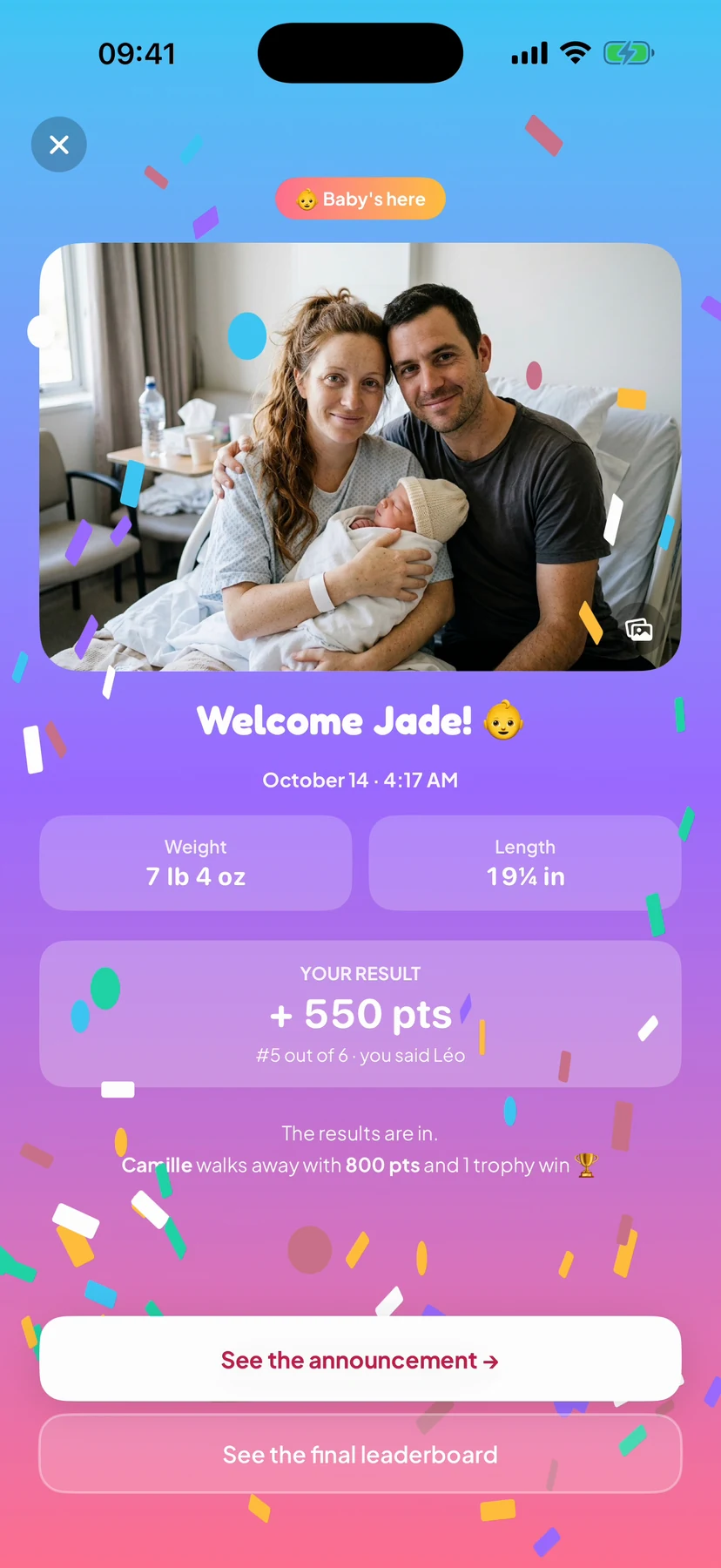
In the app, the organiser enters the results and the rest follows: the points, the final leaderboard, the trophies, and the birth announcement sent to everyone. A tip: name a co-organiser, a sister or a best friend, who can handle the announcement while the parents enjoy their first days.
7. Reward the winner
Glory is often enough. But a small treat always goes down well.
- The right to hold the baby first, right after the parents.
- A framed photo with the baby, signed.
- Picking the baby's first book.
- A dinner cooked by the new parents… once they've caught up on sleep.
In the app, the final leaderboard and the trophies stay on record: the bragging rights are yours for good.
Frequently asked questions
What if everyone already knows the name?
Drop the question, or swap it for the middle name if there is one. The other questions are plenty.
What if the baby comes early?
That's exactly why the guesses close a month before the due date. If someone didn't play in time, the rules are the same for everyone.
Can people play from far away?
Yes. On paper, you'll be collecting answers by text, and keeping them secret gets tricky. In the app, everyone plays from their own phone, wherever they are.
How much does it cost?
On paper, nothing. The app is free to download, and the free plan covers 3 players; beyond that, the paid plans are one-off purchases, with no subscription. Guests never pay a thing.